
Google Ads Guide
Performance Max App Exclusions — Stop Wasting Budget on Low-Quality Placements.
Performance Max App Exclusions help advertisers prevent their ads from appearing in irrelevant mobile app categories. If your Google Ads campaigns are spending budget on placements that rarely convert, this simple optimisation can improve traffic quality, reduce wasted spend, and support stronger campaign performance.
By Sherife Ahmed Arabacioglu · Google Ads Optimisation · Updated 2026
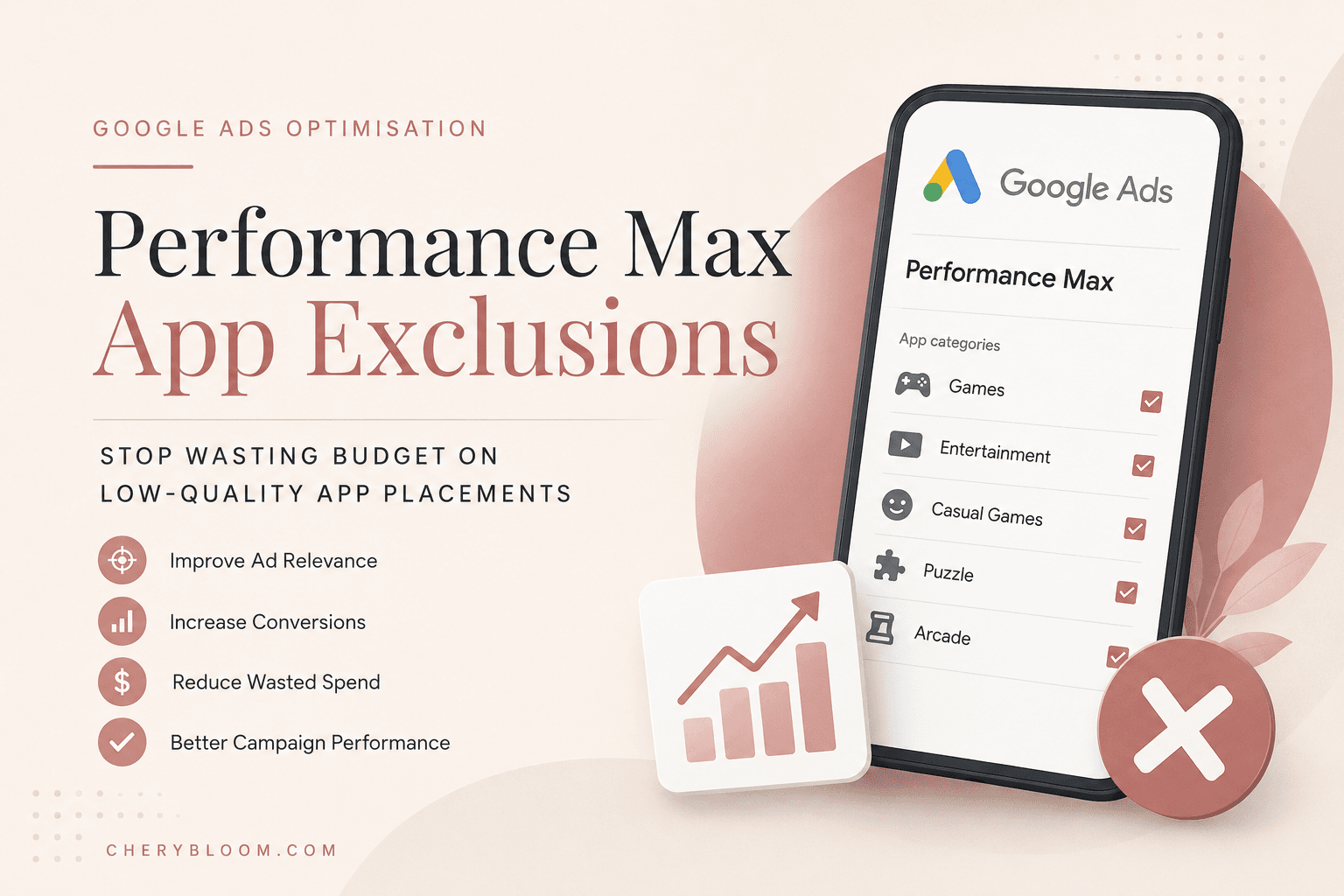
What are Performance Max App Exclusions?
Short answer: Performance Max App Exclusions are settings that allow advertisers to exclude irrelevant mobile app categories from their Google Ads placements, helping campaigns focus budget on more relevant inventory.
Performance Max campaigns are designed to reach users across Google’s network, including Search, YouTube, Display, Discover, Gmail and Maps. This broad reach is powerful, but it also means your ads may appear in places that are not always aligned with your business goals.
For many lead generation and service-based businesses, mobile gaming apps and casual entertainment apps can consume budget without bringing qualified traffic. Users in these environments are often focused on playing, not comparing services or making a purchase decision.
This is why placement control matters. By using app placement exclusions correctly, you give Google Ads clearer guidance about where your budget should not be spent.
Why It Matters
The hidden budget drain in Performance Max campaigns
Low-intent traffic
Some app placements attract users who are not actively looking for products, services or business solutions.
Wasted budget
Clicks and impressions from irrelevant apps can reduce the efficiency of your daily campaign budget.
Weaker signals
Poor-quality engagement can make it harder for the algorithm to learn from valuable user behaviour.
How to set up Performance Max App Exclusions
Setting up Performance Max App Exclusions is not complicated, but it should be done carefully. The goal is not to block everything; the goal is to remove app categories that are unlikely to support your conversion goals.
- Open your Google Ads account.
- Go to the Tools section.
- Choose Content Suitability.
- Scroll to the placement exclusion options.
- Select excluded placements or app categories.
- Review available app categories for Google Play and the App Store.
- Exclude categories that are irrelevant to your target audience.
- Save your changes and monitor campaign results over time.
Google explains that content suitability settings help advertisers apply additional filtering for brand fit and placement control. You can review the official Google Ads content suitability documentation for more details.
Google also provides specific guidance on brand suitability features in Performance Max campaigns. You can read the official Performance Max brand suitability guide to understand which controls are available at campaign and account level.
Why this optimisation works
Performance Max campaigns rely heavily on automation. However, automation still needs high-quality signals. If your campaign is collecting interactions from irrelevant app placements, the system may receive weaker learning signals.
By excluding low-intent app environments, you help the campaign focus on placements that are more likely to produce meaningful actions. This does not guarantee instant results, but it can support better budget allocation and cleaner performance data.
Potential benefits
- Reduced wasted impressions and clicks from irrelevant app categories
- Improved budget concentration on higher-intent placements
- Cleaner data for campaign learning and optimisation
- Potential improvement in CPA and conversion quality over time
- Better brand suitability for sensitive or B2B-focused campaigns
This is especially useful for B2B, local service, e-commerce and lead generation advertisers that need quality traffic rather than broad visibility.
Campaign Checklist
Performance Max App Exclusions checklist
- Check where your Performance Max budget is being spent.
- Review app categories that are not aligned with your business goals.
- Exclude gaming, casual entertainment or unrelated app categories when they do not support conversions.
- Monitor CPA, conversion rate and lead quality after applying exclusions.
- Review placement controls regularly because campaign behaviour can change over time.
- Combine exclusions with strong conversion tracking, clear asset groups and relevant audience signals.
Beyond app placement exclusions
App exclusions are only one part of a stronger Google Ads optimisation process. To improve campaign quality, you should also review asset groups, conversion goals, audience signals, search term insights and landing page relevance.
If your campaigns are generating clicks but not qualified leads, the problem may not be only placements. It may also be connected to conversion tracking, campaign structure or weak landing page messaging.
For a deeper campaign review, you can explore my Google Ads specialist services. If your paid campaigns also need organic visibility support, you may also find my freelance SEO services useful.
For local businesses, campaign optimisation should work together with strong local search visibility. You can also read more about my Istanbul SEO specialist services.
Final thoughts
Performance Max App Exclusions are a practical way to take more control over where your ads appear. They help reduce irrelevant placements, protect budget, and support cleaner campaign learning.
The best approach is to apply exclusions carefully, monitor performance, and combine them with a wider Google Ads optimisation strategy. When used correctly, this small setting can make a visible difference in campaign efficiency.
If you want help reviewing your campaign structure, placement quality or conversion tracking, you can contact me for Google Ads support.
Frequently asked questions
What are Performance Max App Exclusions?
Performance Max App Exclusions allow advertisers to prevent ads from appearing in irrelevant mobile app categories that are unlikely to support campaign goals.
Should every campaign exclude app placements?
Not always. The decision depends on your business model, campaign goals and conversion quality. Lead generation and B2B campaigns often benefit most from tighter placement control.
Can exclusions improve CPA?
They can help reduce wasted spend, which may support lower CPA over time. However, results depend on your conversion tracking, landing pages and overall campaign setup.
How often should I review exclusions?
Review placement and suitability settings regularly, especially after major campaign changes or changes in conversion quality.
Google Ads Support
Need help improving your Google Ads performance?
I can review your Performance Max setup, app exclusions, conversion tracking and campaign structure to identify where your budget may be leaking.
Request a Google Ads reviewContinue Reading